Moon
- Set
- December 2, 2025
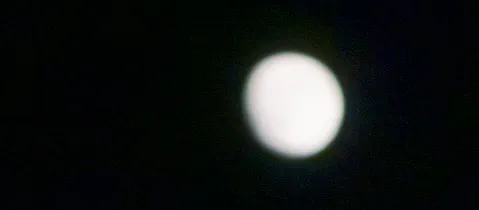
For the longest time, I’ve been trying to get a good shot of the moon with a phone. With no phone? No problem. But on a phone, it has always been challenging. Just pointing and shooting isn’t going to work—you’ll end up with a glowing white circle. Turning down the exposure helps reduce the glare, but it still reveals very little detail.
Now, I’m no scientist. This is all based on observation only. I have no idea what the math looks like for sensor size and the ability to capture detail from an object that’s farther away than anything else we normally photograph.
With the latest iPhones, though, things are a bit different. Bigger sensors and more powerful computational pipelines make moonshots much easier.
The standard Apple Camera app does a surprisingly good job. The trick is: in the swipe-up controls, lower the EV by the full two stops available. Then, after focusing, adjust the actual exposure by swiping down on the image until you get the details you want. From my experience, it’s sometimes possible to lower the exposure enough that the moon nearly disappears. However, full moons especially are so bright that you still may not get all the detail you want—there just isn’t enough exposure reduction available. In those cases, a more robust camera app may be necessary.
On top of that, using Reeflex’s Tele lens makes everything bigger—much bigger.
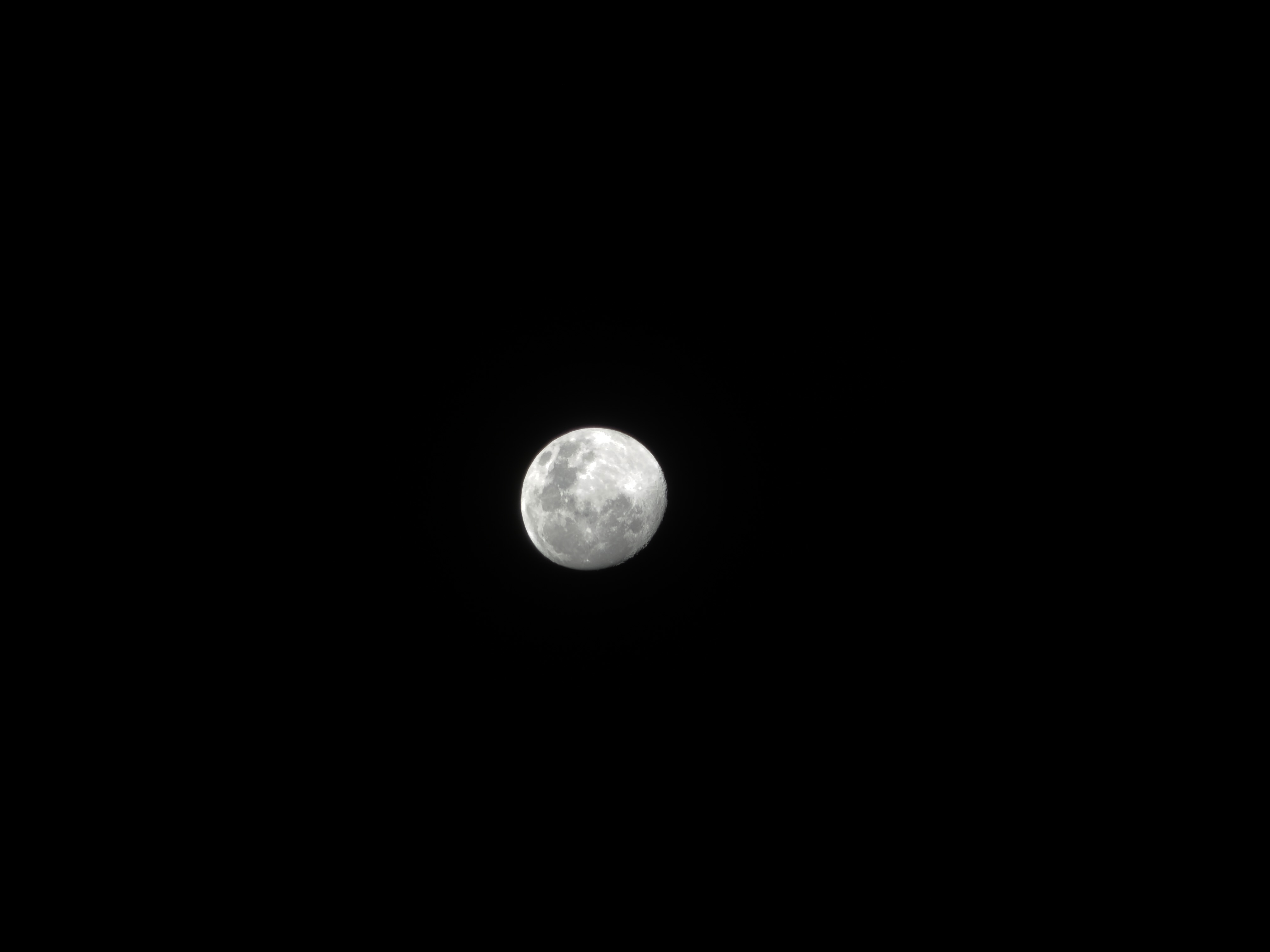 above: iPhone 17 Pro Max 8x w/ Reeflex Tele lens
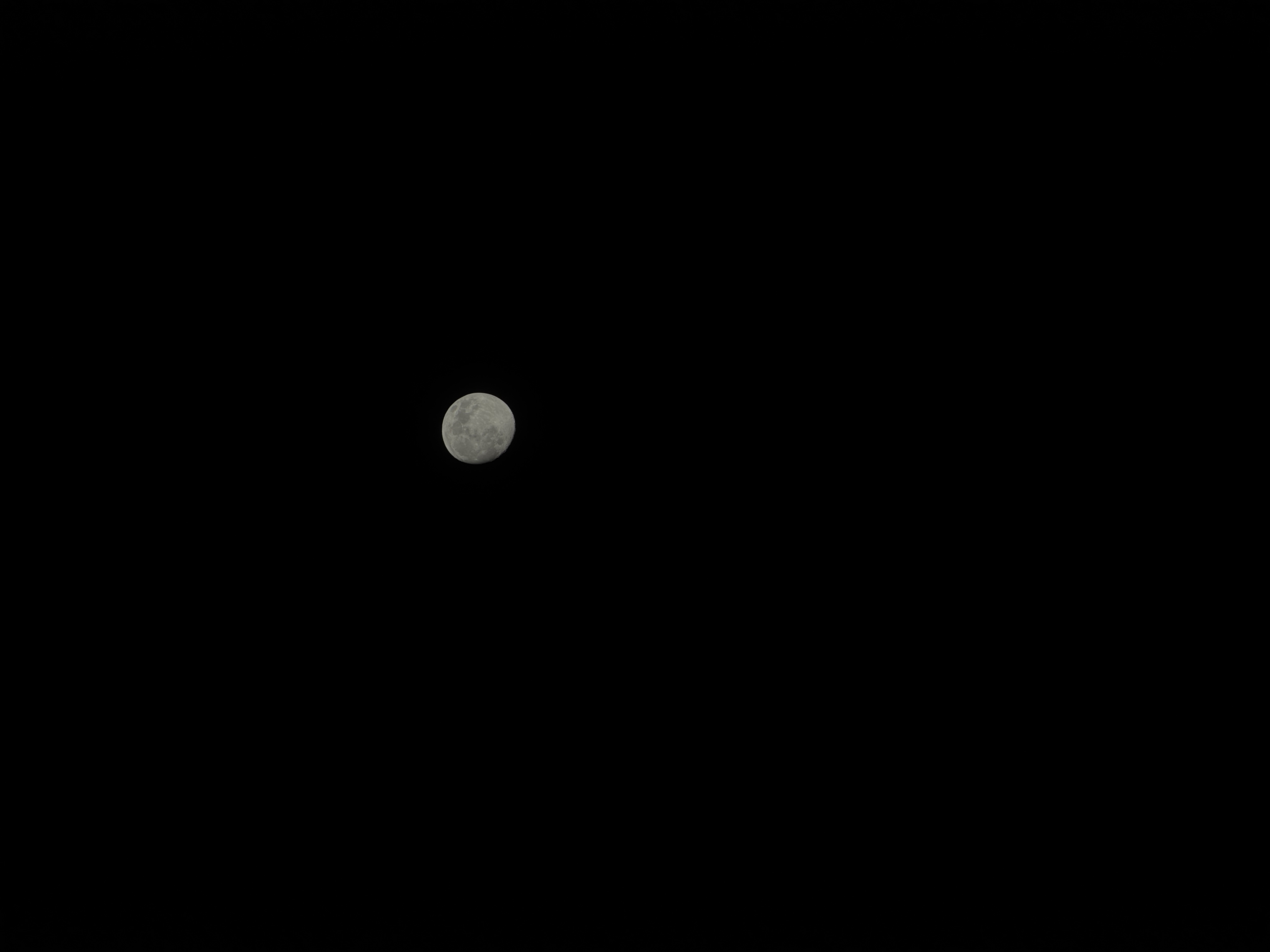 above: iPhone 17 Pro Max 8x
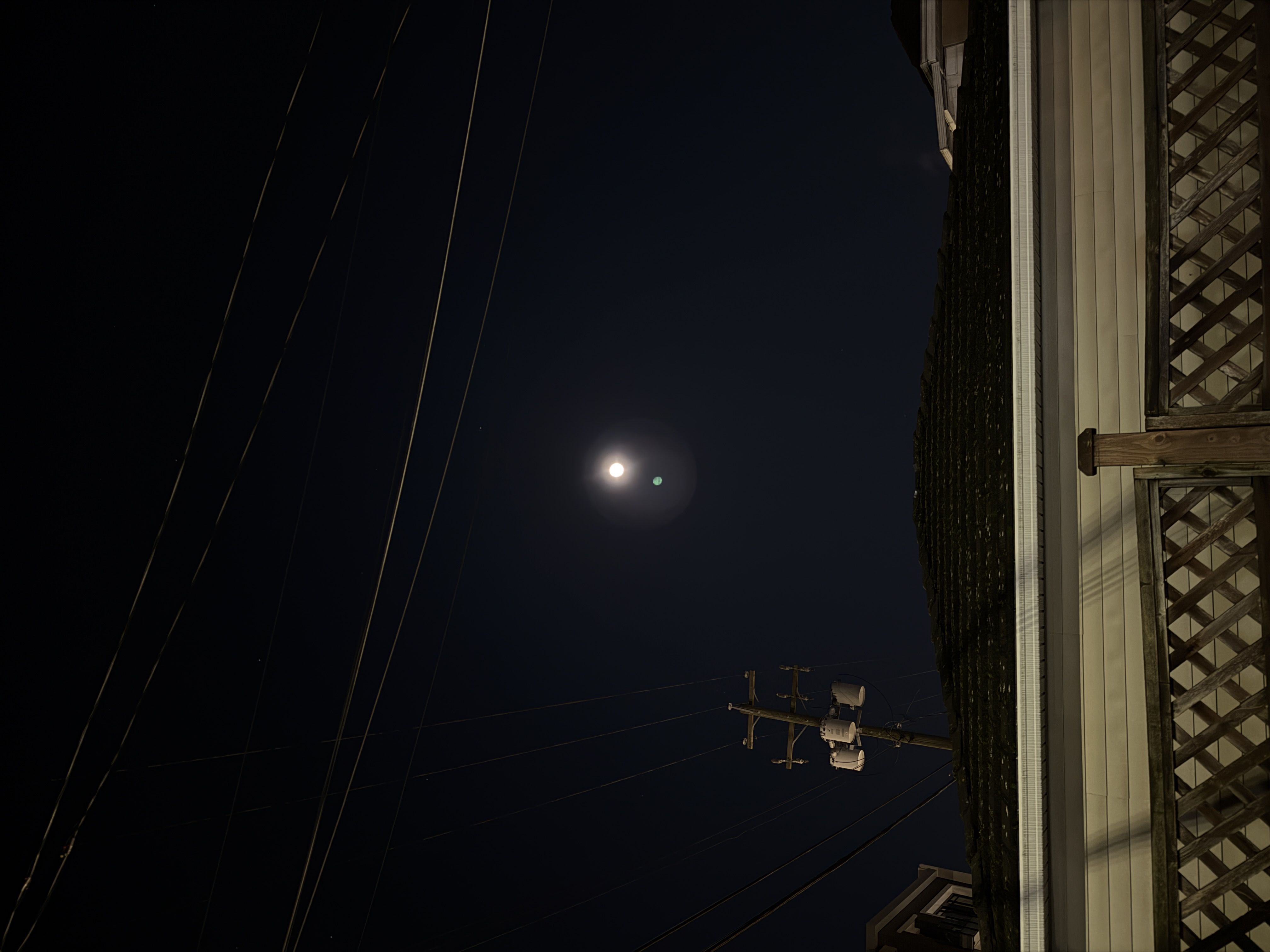 above: iPhone 17 Pro Max 1x